Copy AWS account linkage
Once created, an AWS account linkage can be copied to another organization.
-
click “Setting” - “Linked AWS accounts” from the header menu.
-
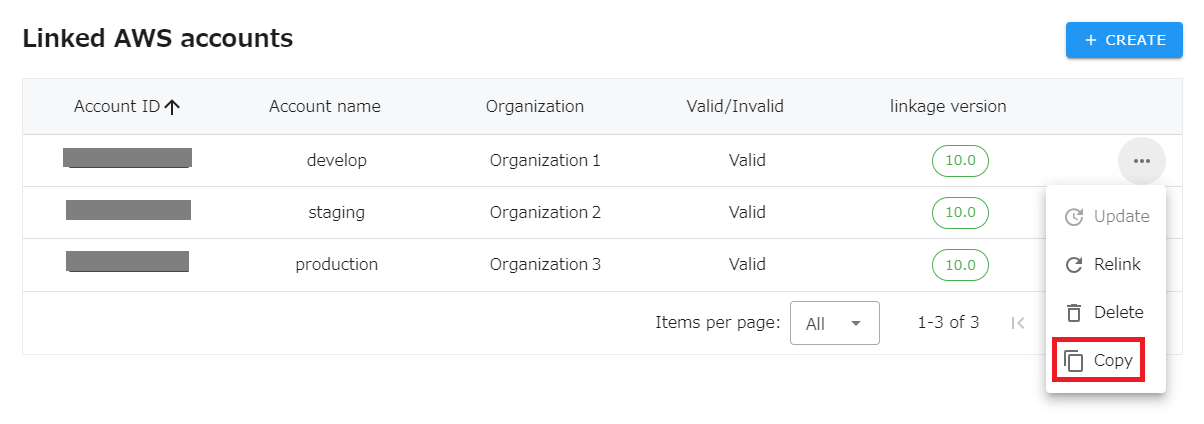
click “Copy” from the menu of the appropriate line.
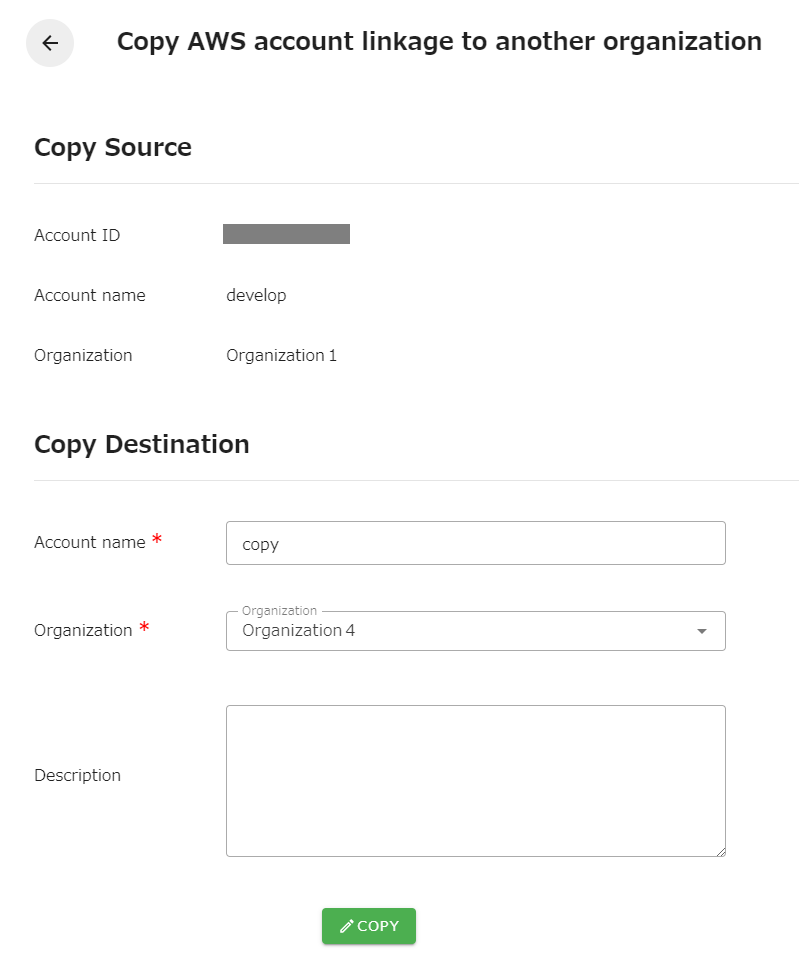
- enter any account name and select an organization. Press the “Copy” button to copy. The description is optional.
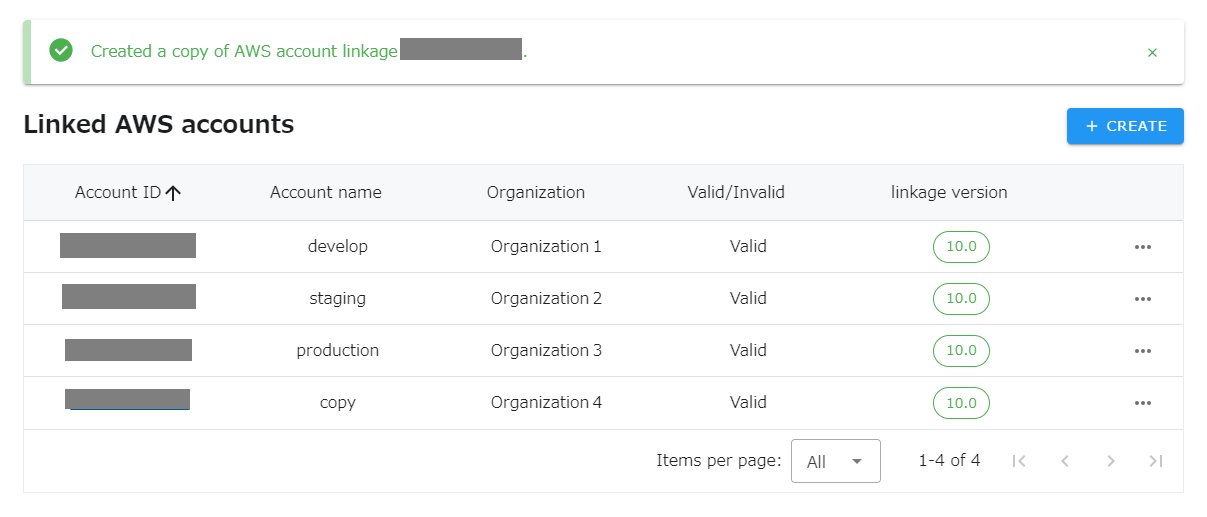
- AWS account linkage is copied to another organization.