
Reset password
If you have forgotten your account password, you can reset or reset your password by following the steps below.
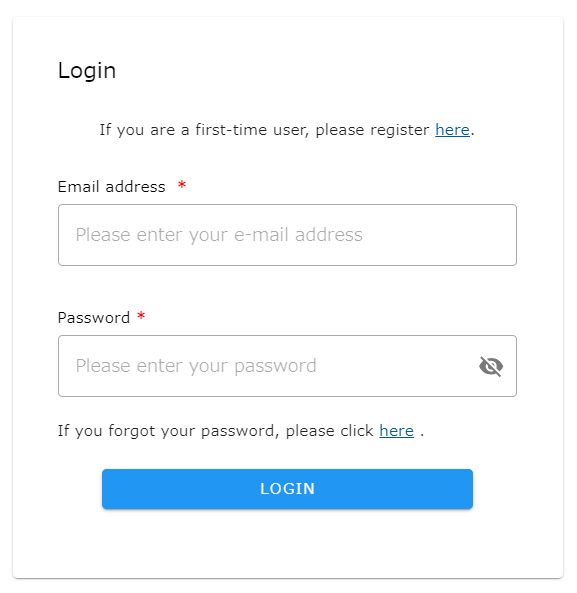
- Click on the “Forgot your password?” link on the login form.
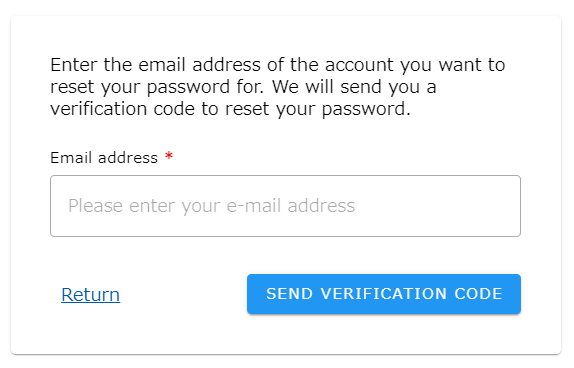
- enter the email address of the account you wish to reset and click “SEND VERIFICATION CODE”.
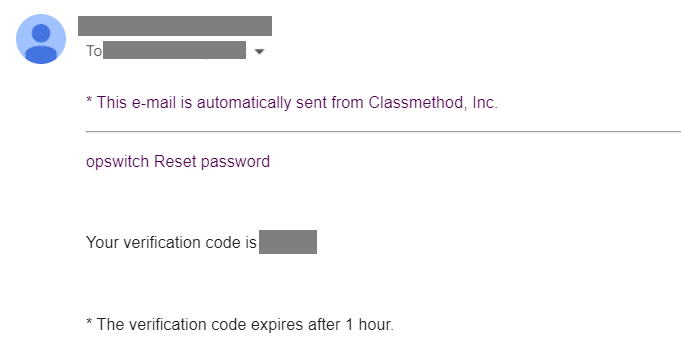
- You will receive a verification code to your e-mail address. If you do not receive the email, please make sure it is the correct email address.
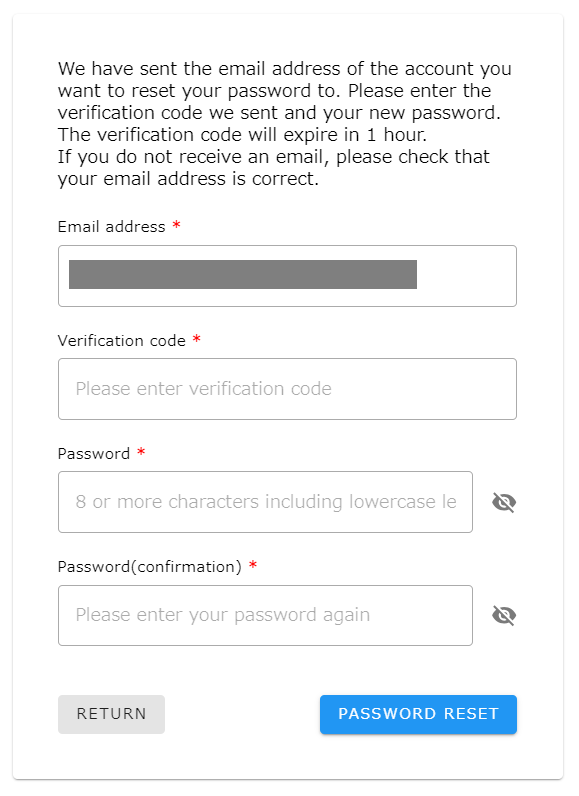
- enter the verification code you received and set a new password.
- You will be redirected to the login form, where you will login with a new password.