
Create organization
Organization is a unit that organizes linked AWS account, users, and jobs.
-
Click on “SETTINGS” - “Organizations” in the header menu.
-
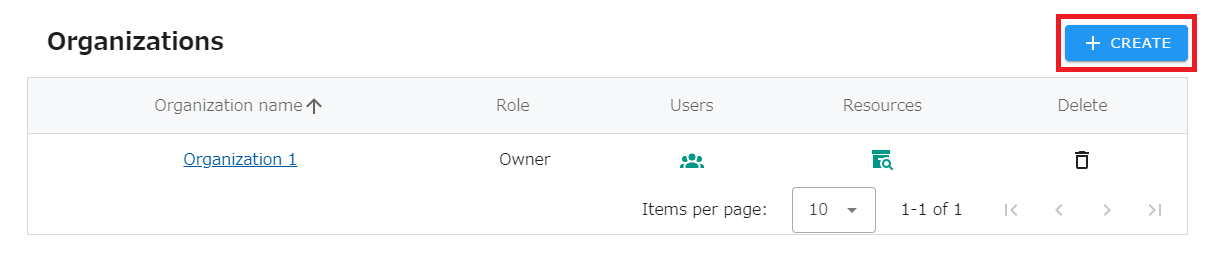
Click on the “CREATE” button in the upper right corner of the list.
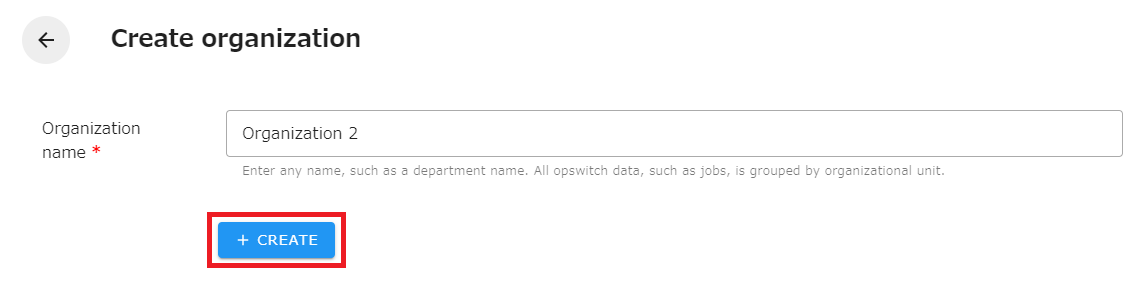
- Enter an organization name and click the “CREATE” button.
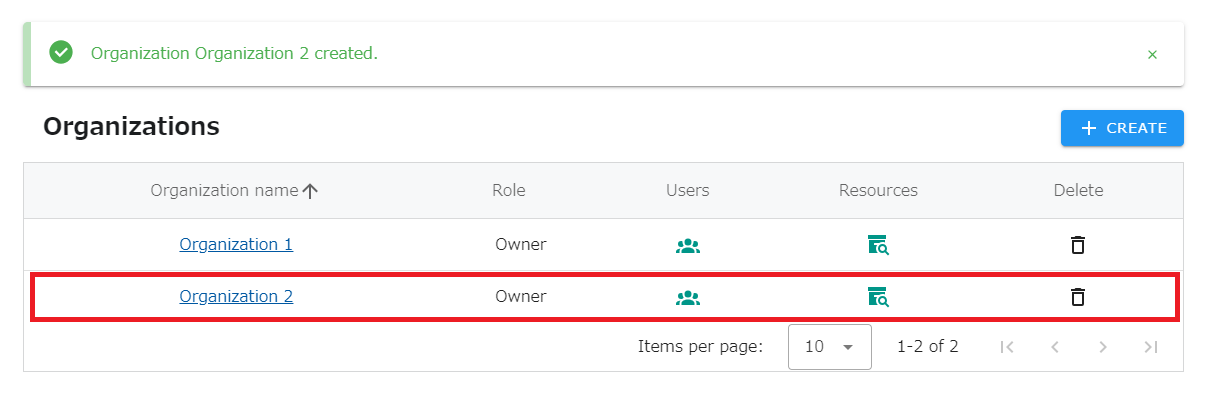
- Confirm that the organization you created has been added to the organization list.
The maximum number of Organizations to which you can belong
Section titled “The maximum number of Organizations to which you can belong”An opswitch account can belong to a maximum of 20 Organizations. If you are already a member of 20 Organizations, you cannot create a new organization.
About Email Notification Settings
Section titled “About Email Notification Settings”When an organization is created, the organization’s email notification setting is automatically set to “Send”. If you wish to change the setting, please refer to the following page.