
Link your opswitch account to your Classmethod ID
You can link your opswitch account with a Classmethod ID that has the same email address as your opswitch account. Once linked, you will be able to login to opswitch by clicking the “Login with Classmethod ID” button.
Link your opswitch account to your Classmethod ID
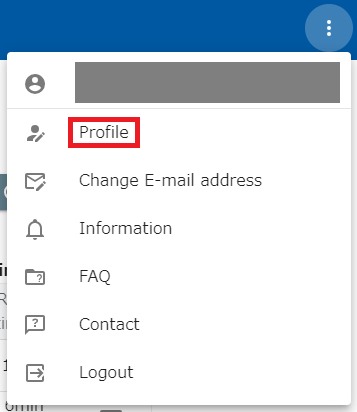
Section titled “Link your opswitch account to your Classmethod ID”- click on the dot icon on the far right of the header and click on User Information Settings.
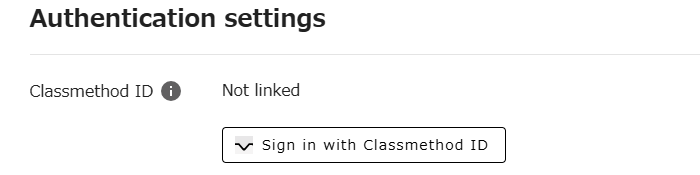
- When the User Information page appears, click the “Sign in with Classmethod ID” button.
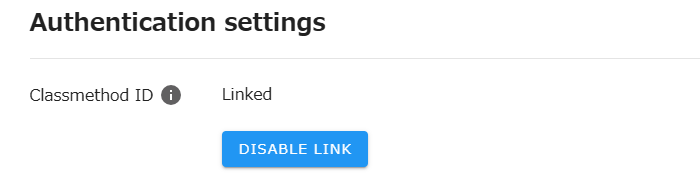
- After successfully authenticating your Classmethod ID, you will be returned to the opswitch user information page and switched to the linked view.
Unlink your opswitch account from your Classmethod ID
Section titled “Unlink your opswitch account from your Classmethod ID”- To disable the link, click the “Disable Link” button. Please note that you will be automatically logged out of opswitch when you cancel the linkage.