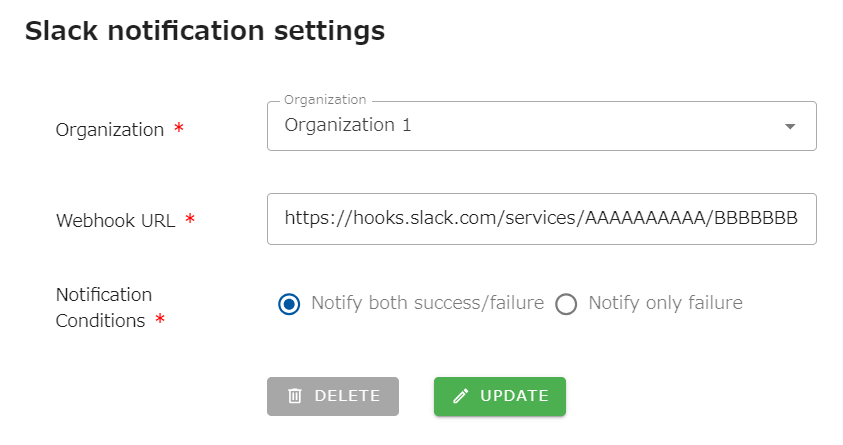
Slack notification settings for job run results
Notifications can be sent to Slack when a job execution completes or an error occurs.
From the header menu, click “SETTINGS” - “Notification Settings” - “Slack”. Select the organization you wish to configure in the select box, enter the “Webhook URL” and “Notification Conditions” and click the UPDATE button.
Webhook URL
Section titled “Webhook URL”Click here to learn how to create a Slack application and Webhook URL.
Notification Condition
Section titled “Notification Condition”Select either “Notifiy both success/failure” or “Notify only failure”.