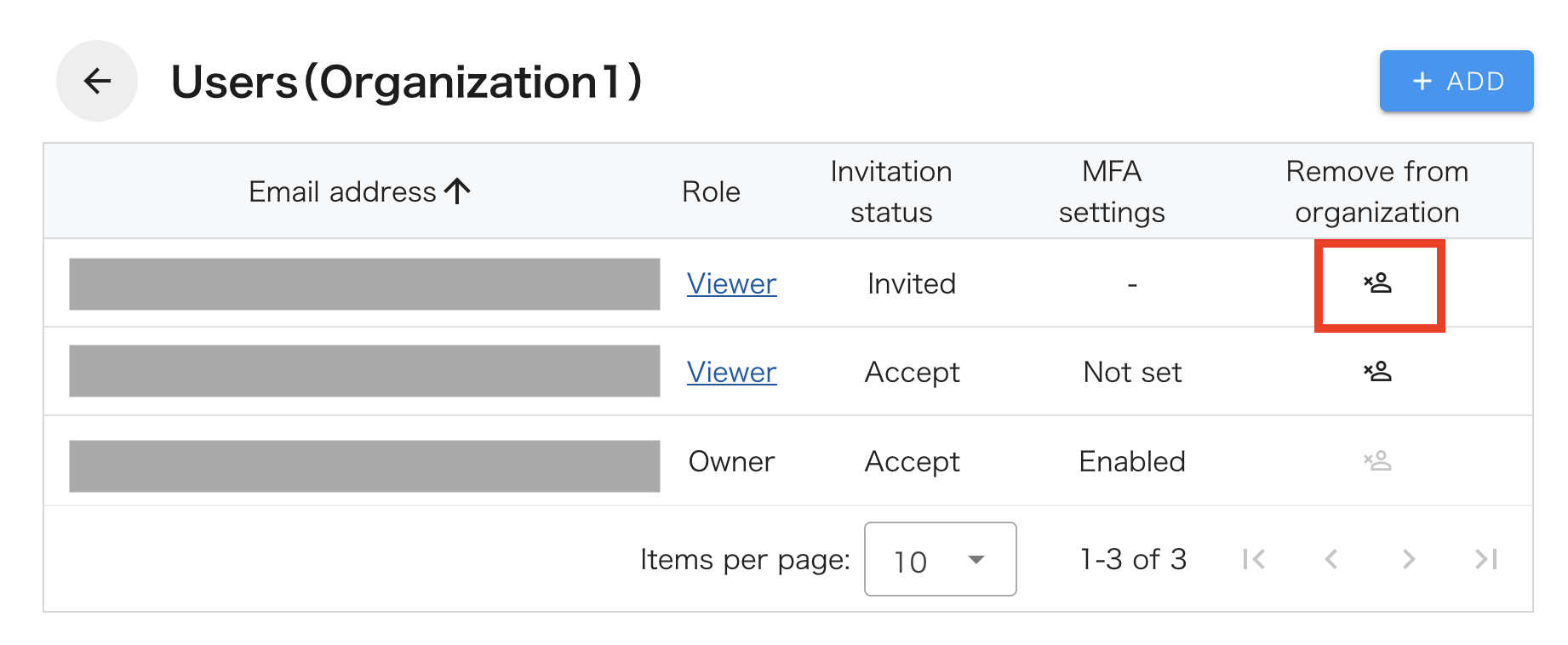
Remove user from organization
To remove a user from an organization, you generally must be logged in as an owner of the organization. However, non-owner users can remove themselves from the organization. Also, if there is only one owner, that owner cannot be removed from the organization.
-
Click on “SETTINGS” - “Organizations” in the header menu.
-
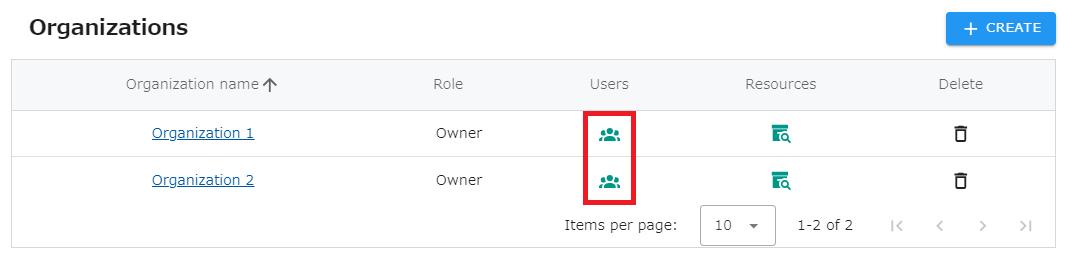
Click on the icon in the List of Affiliated Users column of the organization to which the user you wish to remove from the organization belongs.
- A list of users who belong to the organization will be displayed.Click the icon of the user you wish to remove.