
Relink disabled AWS account linkages
If you accidentally delete an IAM role created through AWS account linking, you will not be able to execute the task. In that case, you can execute the task again without changing the task settings by re-associating with the AWS account.
-
From the header menu, click on “SETTINGS” - “Linked AWS Account”.
-
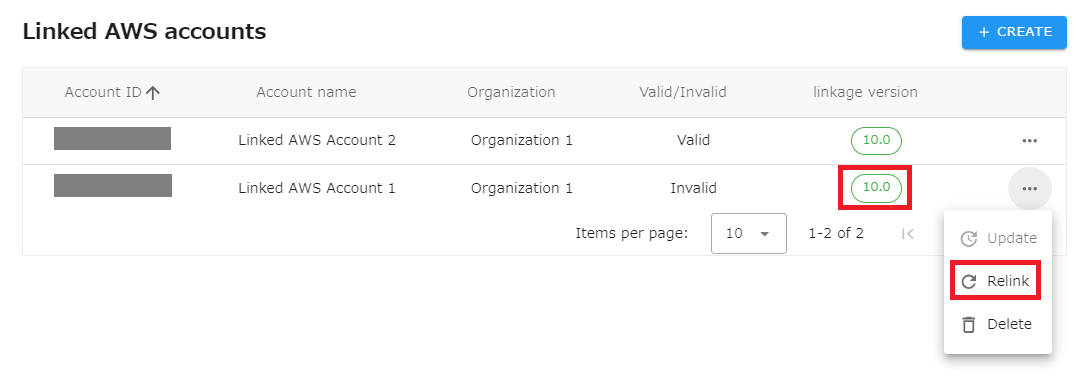
Relink the disabled AWS account linkage. Click “Relink” from the menu of the appropriate row.
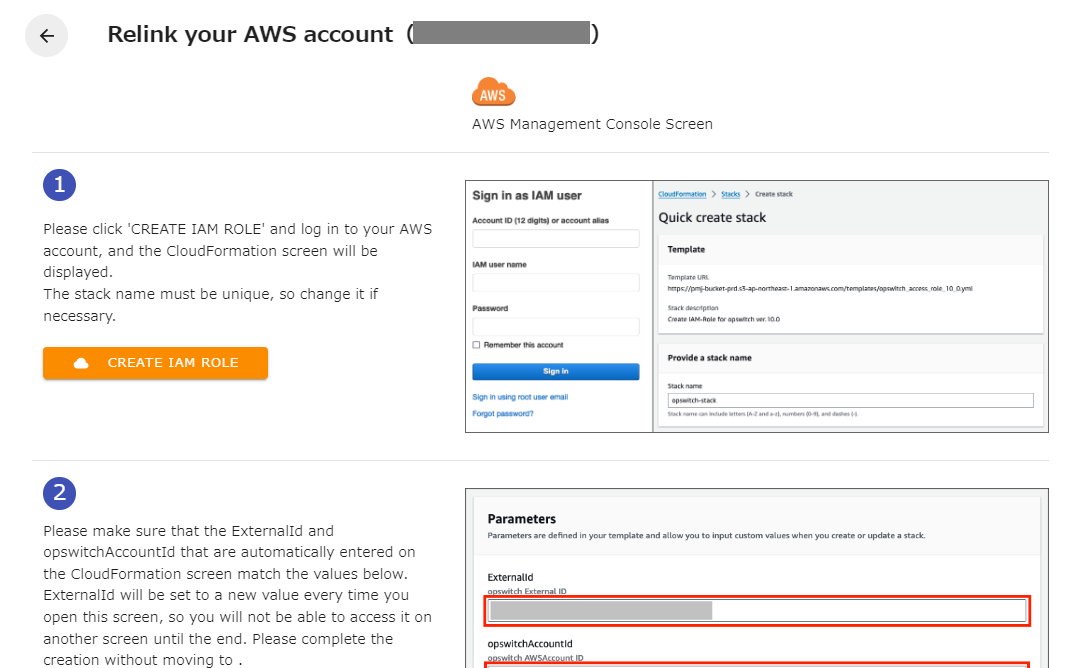
- Follow the on-screen instructions, which are almost identical to those for creating an AWS account linkage.
4.If you return to the list and the state is enabled, you have succeeded.
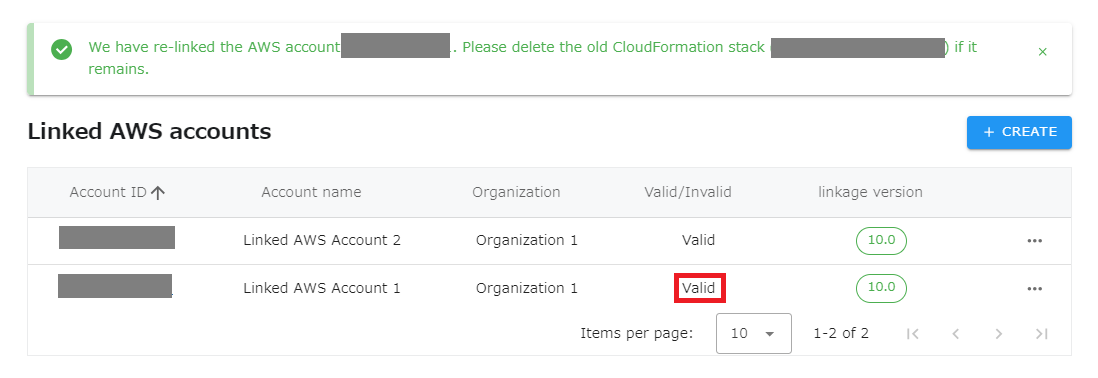
- Old CloudFormation stacks are not automatically deleted, so please delete them manually.