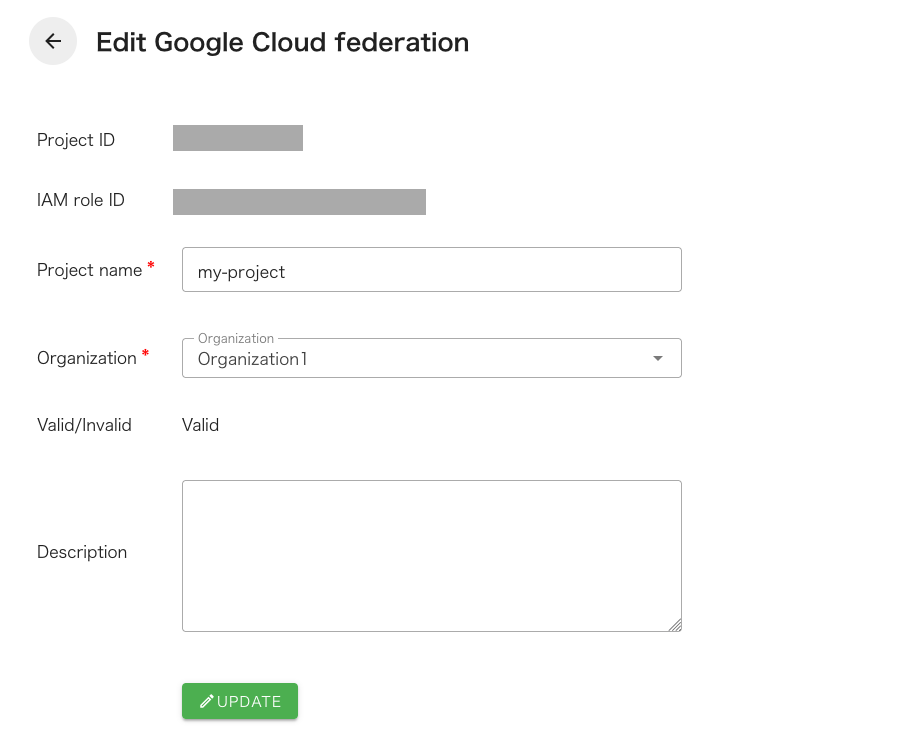
Check the details of Google Cloud federation infomation
Click “Setting” - “Google Cloud federations” from the header menu.
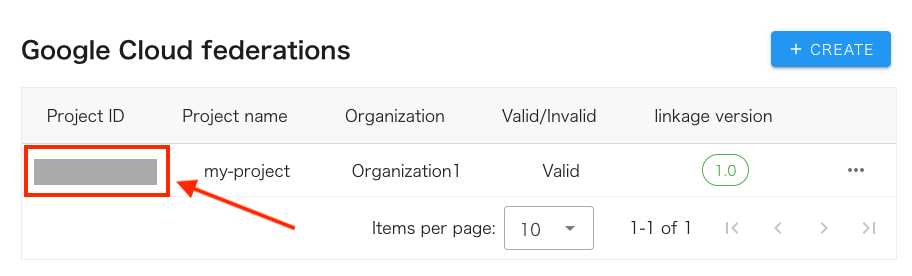
Click the Project ID link in the Google Cloud federations list.
Information about the Google Cloud federation you created will be displayed. You can change your account name and organization on this screen. Organizations can only be changed if they are not associated with a task.