Delete organization
-
Click on “SETTINGS” - “Organizations” in the header menu.
-
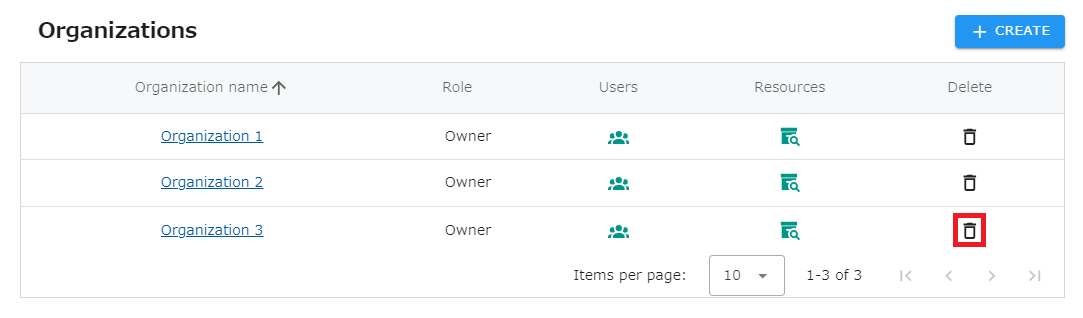
Click the “Recycle Bin” icon of the organization you wish to delete from the list of Organizations.
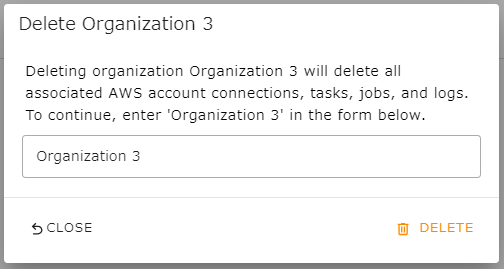
- Review the message in the dialog and enter the name of the organization to be deleted in the text box. Then click the “DELETE” button.
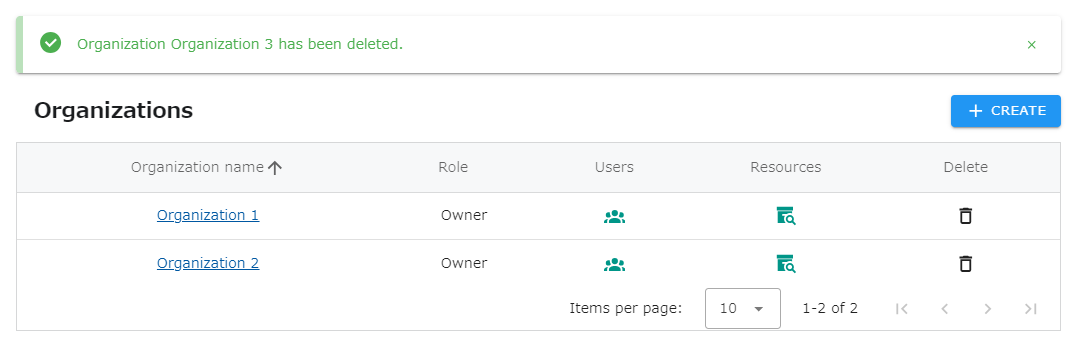
- Confirm that the organization has been removed from the organization list.