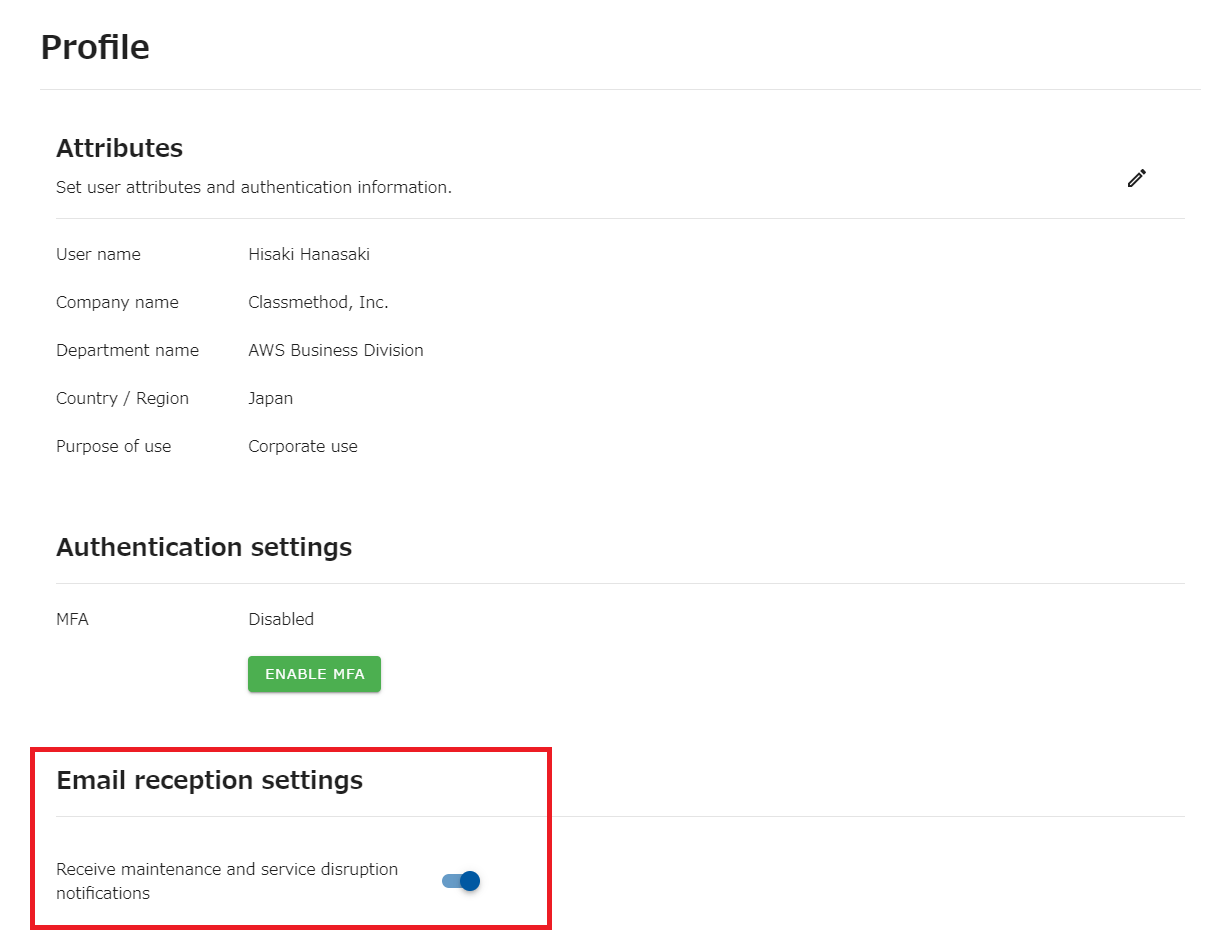
Set up to receive email notifications of maintenance and service disruption
You can change the settings for receiving maintenance, trouble, and notification e-mails from opswitch to the e-mail address that is your user ID.
*This setting does not apply to e-mails regarding job execution results. Please configure the settings for emails about job execution results on here.
Change the Email reception settings.
Section titled “Change the Email reception settings.”-
Click on “Profile” from the dot icon in the upper right corner of the top navigation bar.
-
On the “Profile”, turn on/off button for “Receive maintenance and service disruption notifications” under “Email reception settings”.