Update organization holiday settings
- Click “Settings” - “Holiday Settings” from the header menu.
- Click the link of the holiday setting name you want to update from the organization holiday settings list.
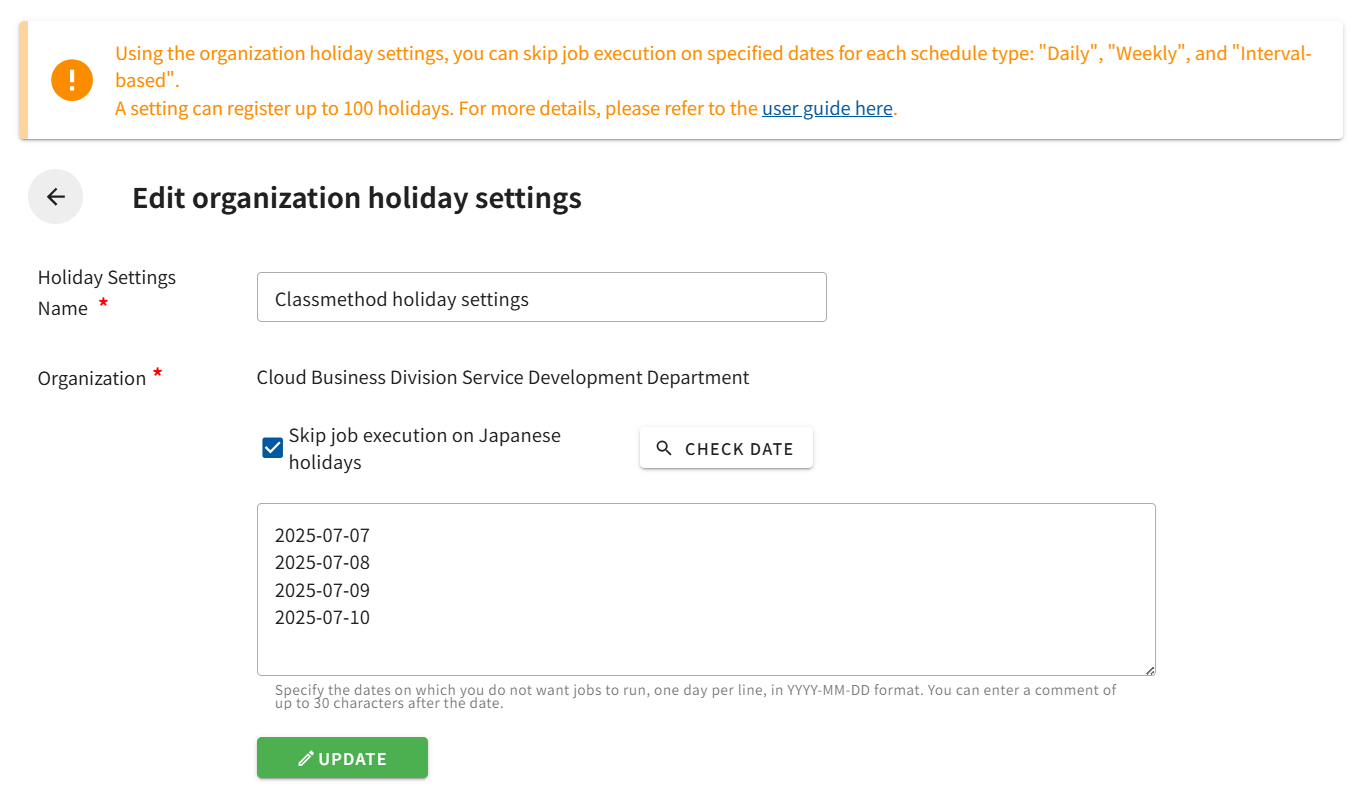
- The “Edit Organization Holiday Settings” screen will open.
- Make your edits and click the “Update” button.
Note: The organization cannot be changed after creation.