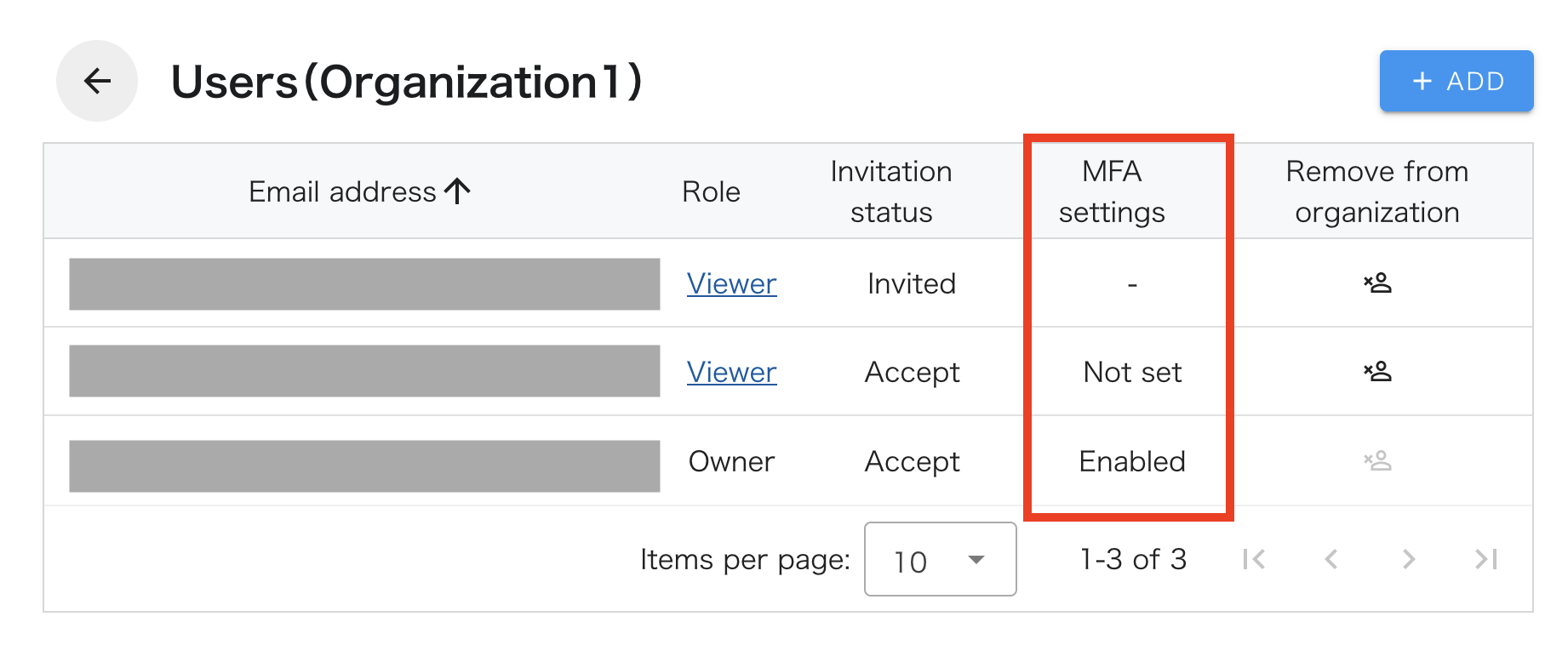
Check the MFA (multi-factor authentication) setting status of users belonging to your organization
-
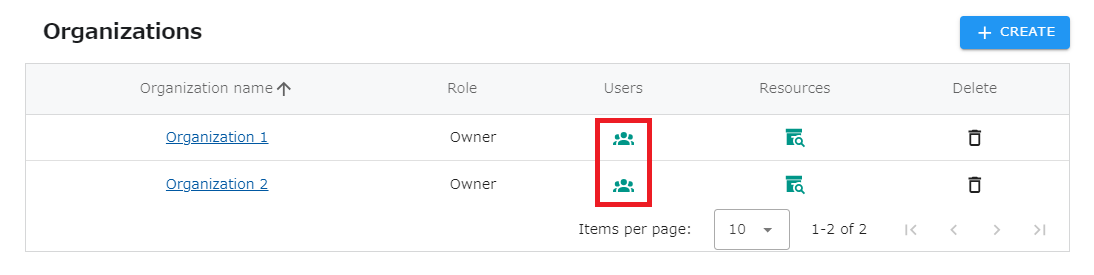
Click on “SETTINGS” - “Organizations” in the header menu.
-
Click the icon in the “Users” column for the organization whose MFA status you wish to check.
- From the “MFA Settings” column, you can check the status of settings for each user.
※ The MFA status of users whose invitation status is “Invited” or “Decline” will not be displayed.