Identify resources by organization
opswitch manages resources such as jobs and tasks on an organizational basis.
You can check the resources created in your organization by following the steps below.
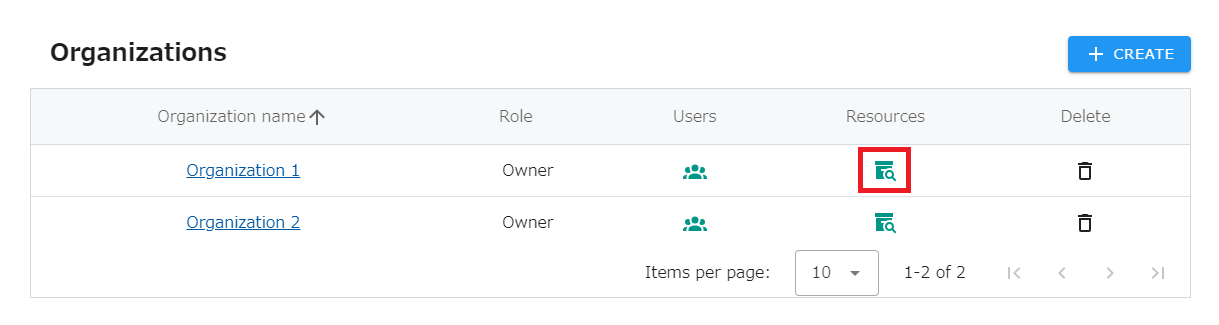
1.Click on “SETTINGS” - “Organizations” in the header menu.
2.Click on the icon in the “Resources” column for the organization you wish to review.
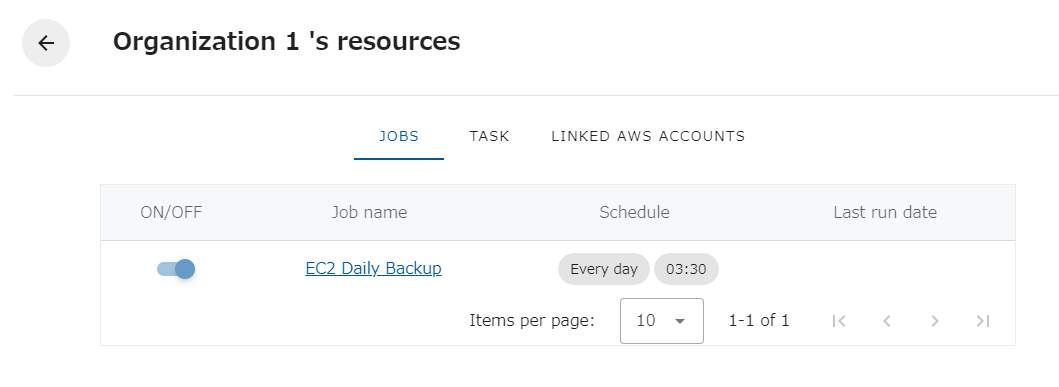
- The following screen will appear, allowing you to see the resources in your organization.